The Monica Way | Episode 1: Your Crypto In, Your Naira Out - Here Is Exactly How It Works
Monica converts your crypto to naira and sends it directly to your Nigerian bank account. No wallets stored. No crypto held. Just a fast, clean exchange with zero gas fees. Here is exactly how to do it.
Welcome to The Monica Way, Monica's weekly series that walks you through everything the app can do for your financial life, clearly, simply and accurately. Every episode, one feature, one clear guide, zero confusion. This week we start at the beginning.
What Monica Actually Does
Before the steps, the most important thing to understand is what Monica is and what it is not, because clarity here saves a lot of confusion later.
Monica is a crypto-to-naira exchange platform. You bring your crypto, Monica converts it to naira at the current rate and the naira lands in your Nigerian bank account. That is the entire transaction. Monica does not store your crypto, hold your coins or function as a wallet. It is a one-way exchange, crypto comes in, naira goes out, and it does so with zero gas fees, meaning Monica does not charge you for the conversion transaction itself.
The cryptocurrencies Monica currently supports for conversion to naira are Bitcoin, Ethereum, Solana, TRX, BNB, Base, USDT and USDC, giving you eight coins to work with across the most widely used networks in the Nigerian crypto space.
Before You Begin
To use Monica you need to be a fully registered and verified user. Registration requires your personal details and a valid NIN for identity verification. As of July 2026 all Monica accounts must be fully verified, the previous distinction between verified and unverified accounts no longer applies and all users operate under the same verified status.
Once you are registered and verified you are ready to convert.
Step by Step: How to Convert Crypto to Naira on Monica
Step 1 — Open the Monica app and tap Deposit
After logging in navigate to the Deposit option on your dashboard. This is the starting point for every conversion on Monica.
Step 2 — Accept the terms and conditions
A terms and conditions screen will appear. Read through it and accept to proceed to the next stage.
Step 3 — Select your cryptocurrency
Monica will display the full list of supported coins, Bitcoin, Ethereum, Solana, TRX, BNB, Base, USDT and USDC. Select the coin you want to convert to naira. Only select the coin you actually intend to send.
Step 4 — Check the conversion rate
Once you select your coin the current conversion rate will display on screen. This is the rate Monica will use to convert your crypto to naira. There is a zero gas fee on Monica, so the rate you see is the rate you get with no hidden deductions on Monica's side.
Step 5 — Copy your wallet address
Monica will generate a wallet address for the coin you selected. Copy this address carefully.
This step is the most important one in the entire process and it cannot be overstated: copy the wallet address that matches the exact coin you selected. If you want to convert Ethereum, copy the Ethereum wallet address. If you want to convert Solana, copy the Solana wallet address. Sending a coin to the wrong network address means the funds cannot be recovered. This is not a Monica policy, it is how blockchain technology works globally. No platform, not Monica, not Binance, not anyone, can retrieve funds sent to the wrong network address. Copy carefully. Check twice before proceeding.
Step 6 — Go to your external wallet or exchange
Open the platform where your crypto is stored, whether that is Binance, Coinbase, Trust Wallet or any other exchange or wallet you use. Initiate a withdrawal or send transaction.
Step 7 — Paste the Monica wallet address and send
Paste the Monica wallet address you copied into the recipient field, enter the amount you want to send and confirm the transaction. Make sure the network you select on your external platform matches the coin and network of the Monica address you copied.
Step 8 — Receive your notification and naira
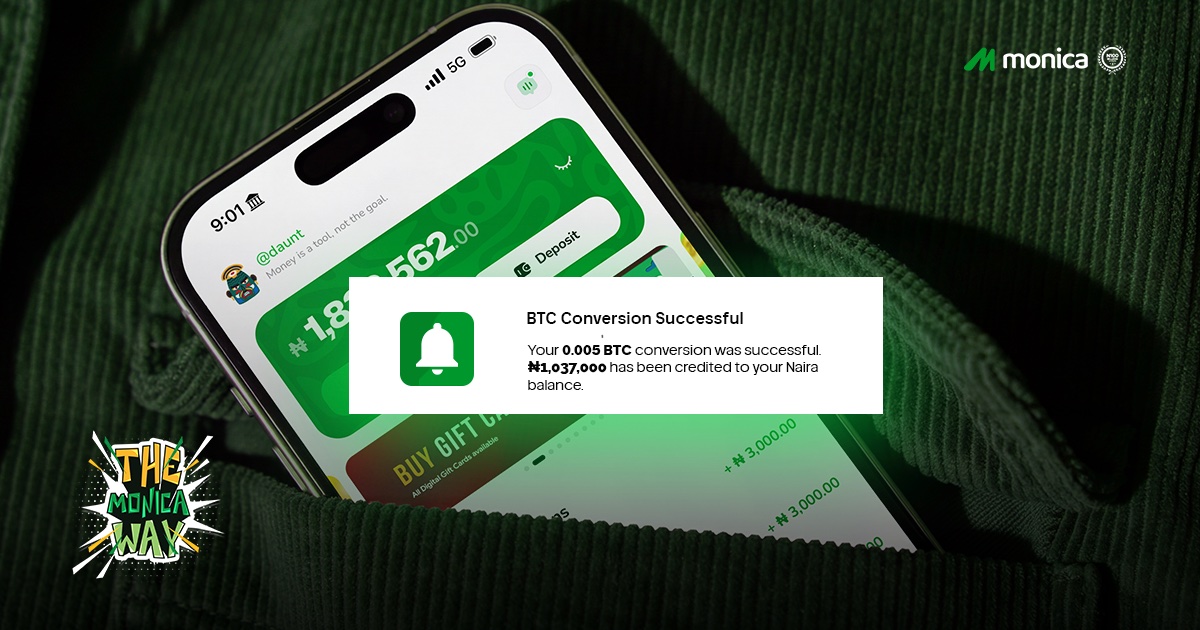
As soon as the transaction is confirmed on the blockchain Monica processes the conversion automatically. A notification will appear on your phone and your dashboard will reflect that the naira equivalent has been credited. The naira is sent directly to your registered Nigerian bank account.
What You Need to Know About Limits
As of July 2026 Monica's transaction limits are as follows:
Daily transfer limit: ₦50,000,000
Single transaction withdrawal limit: ₦5,000,000
All accounts must be fully verified to access these limits.
The Referral Bonus
Monica rewards you for bringing people in. Every successful referral earns you a ₦3,000 bonus, so if you have friends, family or colleagues who are converting crypto to naira the long way, share Monica with them and earn while you do it.
A Word on the Zero Gas Fee
This is worth emphasising because it matters. Monica charges zero gas fees on conversions. The conversion rate you see when you select your coin is what you get. There are no hidden charges layered on top from Monica's side, making it one of the most straightforward crypto-to-naira conversion experiences available in Nigeria right now.
Closing Thought
Converting crypto to naira should not be complicated, and on Monica it is not. Eight supported coins, zero gas fees, a clear step-by-step process and naira credited directly to your Nigerian bank account. That is The Monica Way.
Next week we come back with another episode covering a different feature of the Monica app, and every week after that, one clear guide, one real use case, one step closer to getting the most out of your Monica account.
Welcome to The Monica Way.
New to Monica? Sign up today and start converting your crypto to naira in minutes. Your crypto, Your naira, Your Monica.
Click Here 👉https://monica.cash/app To Join the Gheng